Snaptube Install: How to Setup Easily on Any Network
Welcome! Whether you want a quick store download or need a fast setup on bad networks, we have the easiest methods here. Just takes a few seconds to start your offline entertainment!
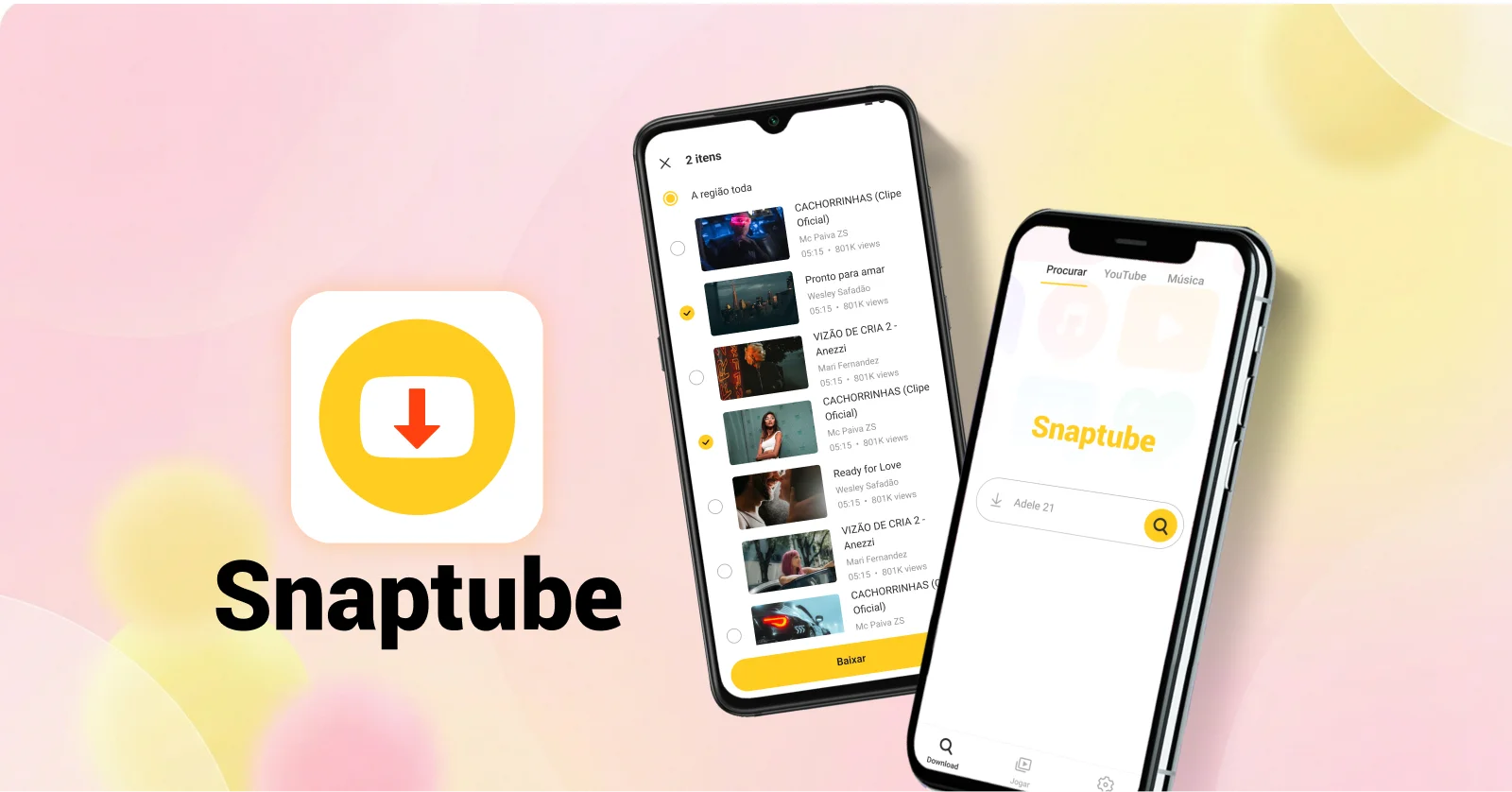
Snaptube is officially Android-only
Pick the option that fits your device:
Have an Android phone?
Scan the QR code with your camera to download Snaptube APK
No Android? Use our free web tools
Prefer the APK file directly? Download it here
Choose Your Fastest Way for Snaptube Install Download
Method 1: Install from Phone App Stores
This is incredibly easy! If you are using a Xiaomi, OPPO, vivo, or Huawei phone, just open your built-in official application store. Search for our name and tap to get it instantly. It is 100% safe.
Method 2: Get the Official Snaptube APK Installer
If you use any other Android phone, simply tap the download button on this page. The package is very small, under 20MB. Even if your Wi-Fi signal is super weak, it finishes in just a few seconds.
Turn on "Unknown Sources"
Tap your downloaded file. If your phone shows a sudden warning, please do not be afraid. Just go to your settings and turn on allow unknown sources so you can finish setting it up.
Snaptube APK Install: The Best App for Slow Internet
Auto-Resume Broken Downloads
Did you lose signal outside and your download stopped? Do not panic! Just tap retry when your connection comes back. It seamlessly continues without ever making you start all over again.
Choose Smaller File Sizes
Are you running out of mobile data? When saving media, you can choose low resolutions like 144p or 360p. You can also just extract the MP3 audio. This saves massive amounts of your precious mobile data.
Batch Download on Wi-Fi
When you find a strong Wi-Fi signal, use the amazing batch download feature. You can pack an entire music album from your favorite singer into your phone with one tap to enjoy later without the internet.
Listen Offline in the Background
This is not just a downloader; it is a fantastic offline player. Switch screens to chat with friends or completely lock your phone, and your music will absolutely never stop playing.
Save from 100+ Platforms
Whether you are scrolling popular short video platforms or browsing social media status updates from friends, if you have a link, you can save everything directly to your phone.
Post-Install Setup to Get Snaptube App Installed
After getting the software, do these two simple things to completely stop worrying about your data and phone memory.
Turn on "Wi-Fi Only" Download
Afraid of wasting your mobile data? Go into the settings and turn on the Wi-Fi only switch. This way, even if you tap a button by mistake, it will never waste your mobile data.
Save Directly to SD Card
Is your phone memory too small? Open the settings menu and change your saving location to your external SD card. Now you can save as many HD videos as you want.
FAQs About the Snaptube Application Install
A1: Because it is incredibly lightweight! The entire official package is only around 20MB. Even if your internet connection is extremely slow, it finishes grabbing the file in just a few seconds.
A2: Yes, exactly the same! Whether you get it from the official Xiaomi, vivo, or Huawei stores, or from our website, it is the true authentic software with all the exact same powerful features.
A3: You certainly can. The official package is very tiny and super easy to get. Plus, the built-in auto-resume feature is designed specifically to help users with unstable networks.
A4: Absolutely not. You have the freedom to select very small file sizes. You can also turn on the Wi-Fi only mode in the settings, guaranteeing you never use up your phone data.
A5: If the package refuses to open, your phone storage is likely completely full. Just delete some old junk files you no longer need, and then tap the file to try again.
A6: Of course you can. Right after setting up the tool, just go to the settings menu to change your storage path. Then, all your favorite music and videos will go straight to your SD card.